Welcome to the official download page for the AxiomAI Chrome Extension by Wares Point. Below you will find installation instructions, feature documentation, and support resources.
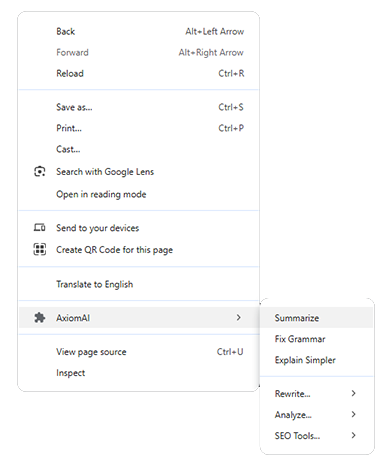
Download the axiomai-extension.zip file and extract it to a folder on your computer.
In Chrome, go to chrome://extensions (or click the puzzle piece icon -> Manage
Extensions).
Toggle the Developer mode switch in the top-right corner of the page.
Click Load unpacked and select the folder where you extracted the extension.